Excel files in your browser

View, navigate, and edit spreadsheets without leaving Chrome FOR FREE.
Install from Chrome Web Store Main features Pro features
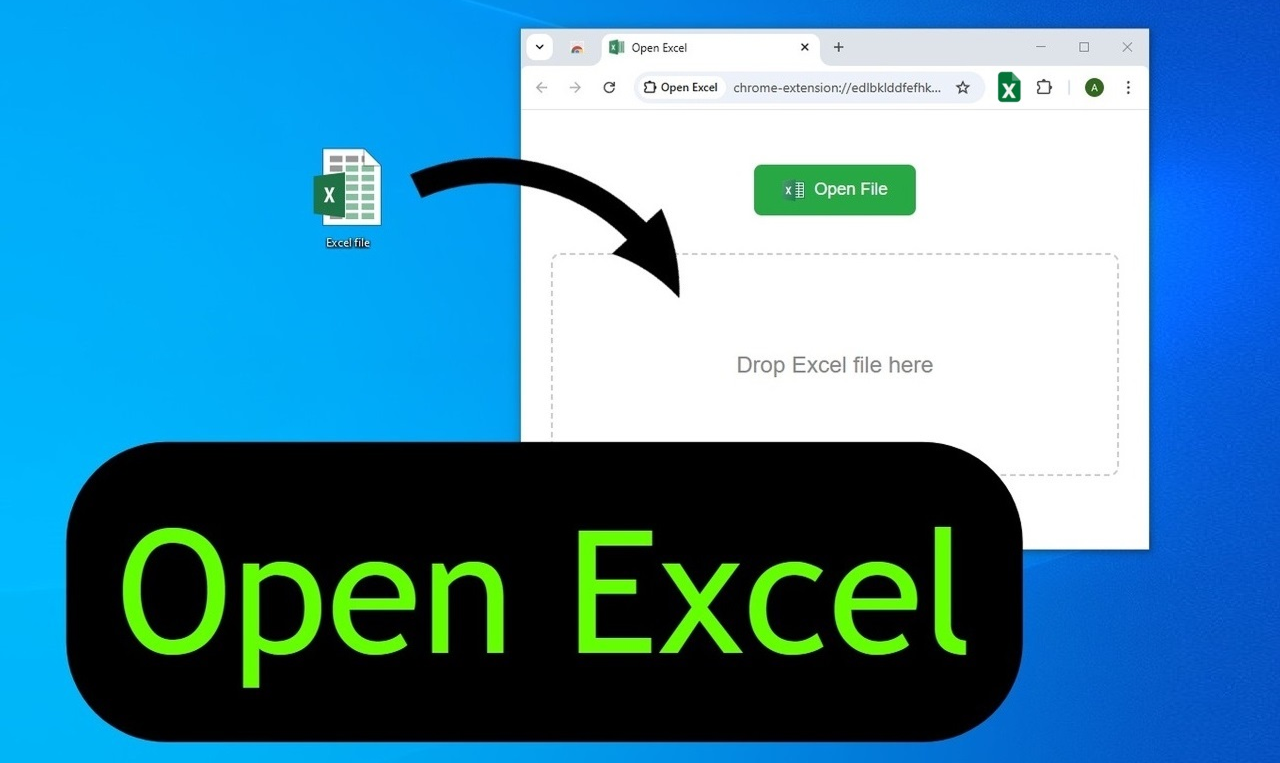
Open Excel extension preview
Featured on Product Hunt ▲ 250+ upvotes

Key features

FREE Excel viewer & editor

Open .xls and .xlsx files directly in Chrome: no Excel app required.

Edit in Chrome

Edit & Save Excel inside the extension locally.

Key spreadsheet workflows

Formulas, fonts, basic formatting, images, sorting and filtering.

Save as PDF

Export the active sheet to a printer-friendly PDF in seconds.

5-step workflow

1. Pin the toolbar icon after installation.
2. Click the “Open Excel” icon.
3. Choose or drag a .xls/.xlsx file.
4. Browse sheets, zoom, or export to PDF.
5. Enable editing and use key workflows

Who is it for?

Students, accountants, managers: anyone who needs quick spreadsheet access without app.

More tools by ValmisLab

Draw On Screen

Annotate live web pages during demos and lessons.

UI Builder

Create sketch-style wireframes directly over any site.

ChatGPT Timestamp

Add local date & time stamps to every ChatGPT message.