FREE Excel viewer & editor
Open XLSX, XLS, and CSV files directly in Chrome, then edit and save locally as XLSX after sign-in.
Local-first spreadsheet tools
View and edit XLSX/XLS/CSV files in Chrome for FREE. Work locally by default, or add AI tools and Cloud files if you need more.
Everything essential
Use familiar spreadsheet tools for quick work, while keeping local files in your browser by default.
Open XLSX, XLS, and CSV files directly in Chrome, then edit and save locally as XLSX after sign-in.
Files stay in your browser by default. Download, print, or save a PDF when you’re done.
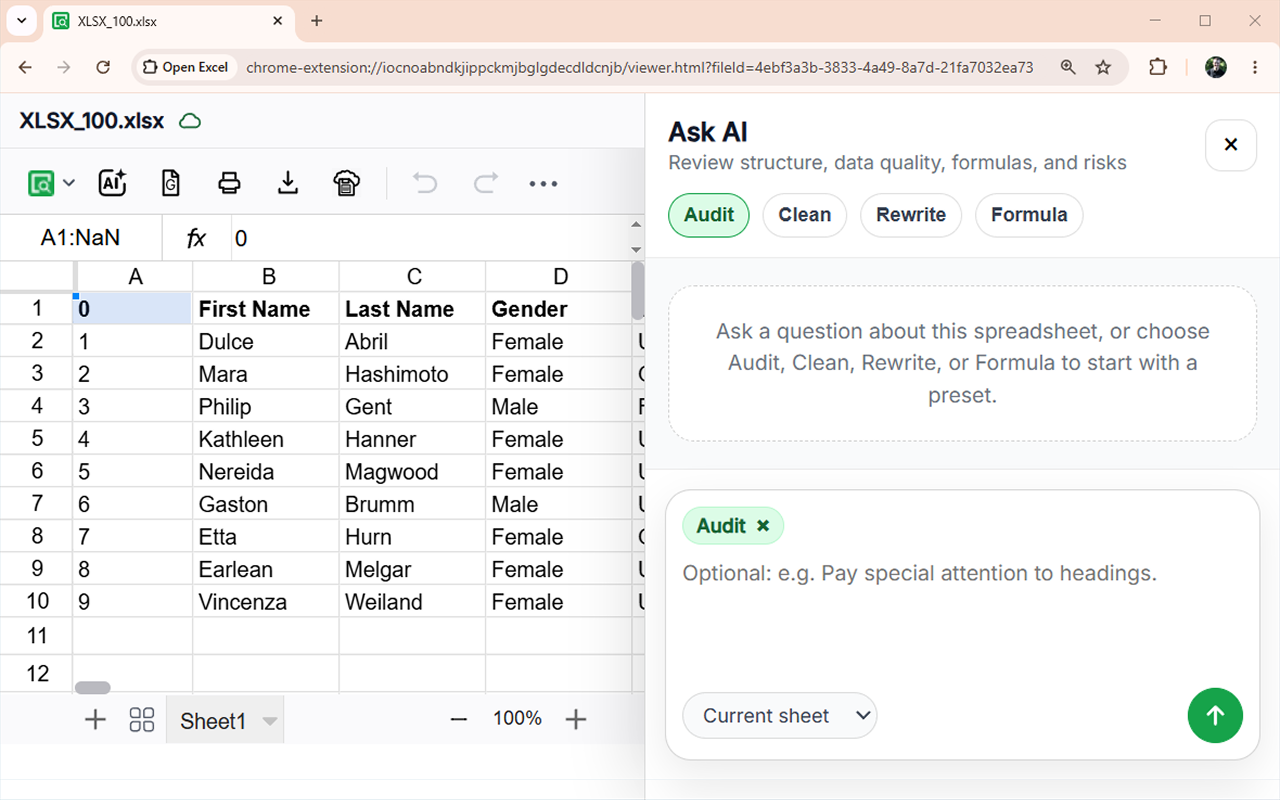
Use sheets, formulas, formatting, images, sorting, filtering, and familiar table navigation.
Send a workbook to your own Google Drive and continue editing in Google Sheets when needed.
Start in seconds
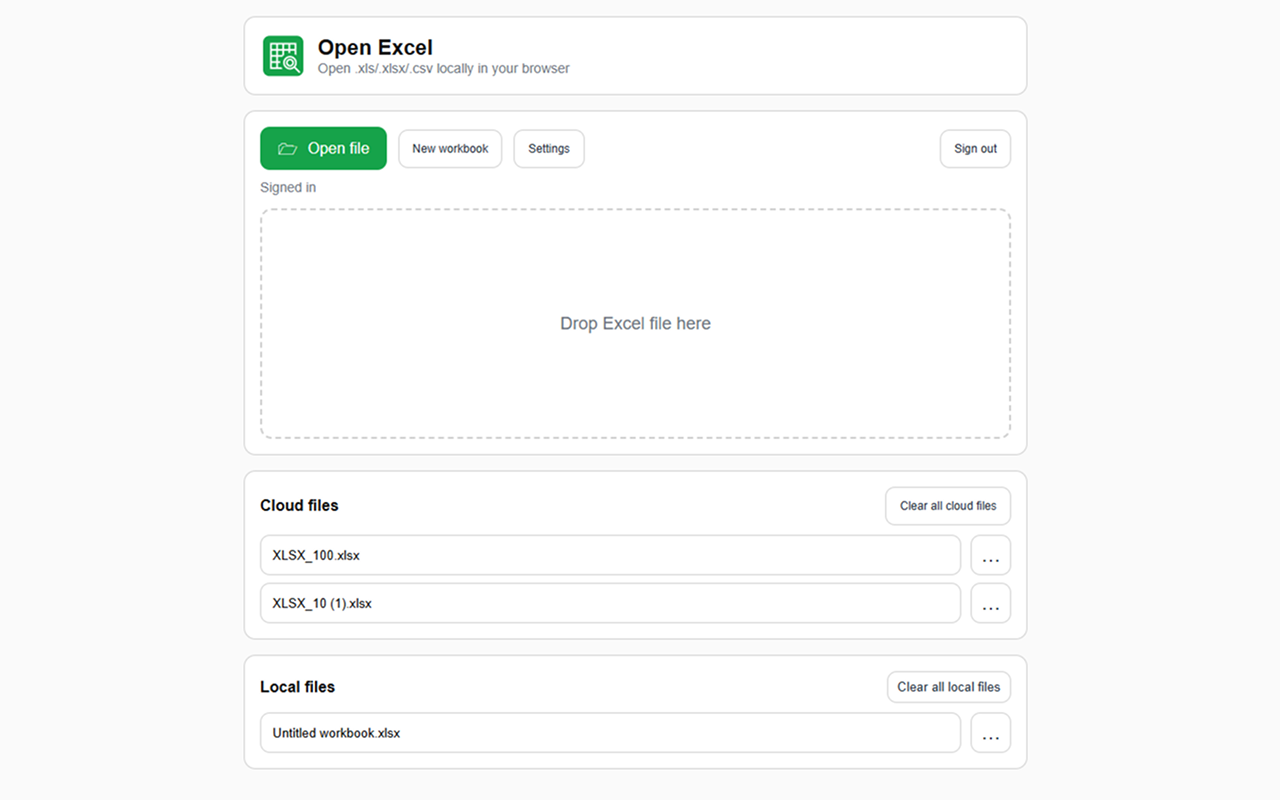
Choose an Excel file, drag it into OpenExcel, or create a blank workbook directly from the launcher.
Plus and AI features
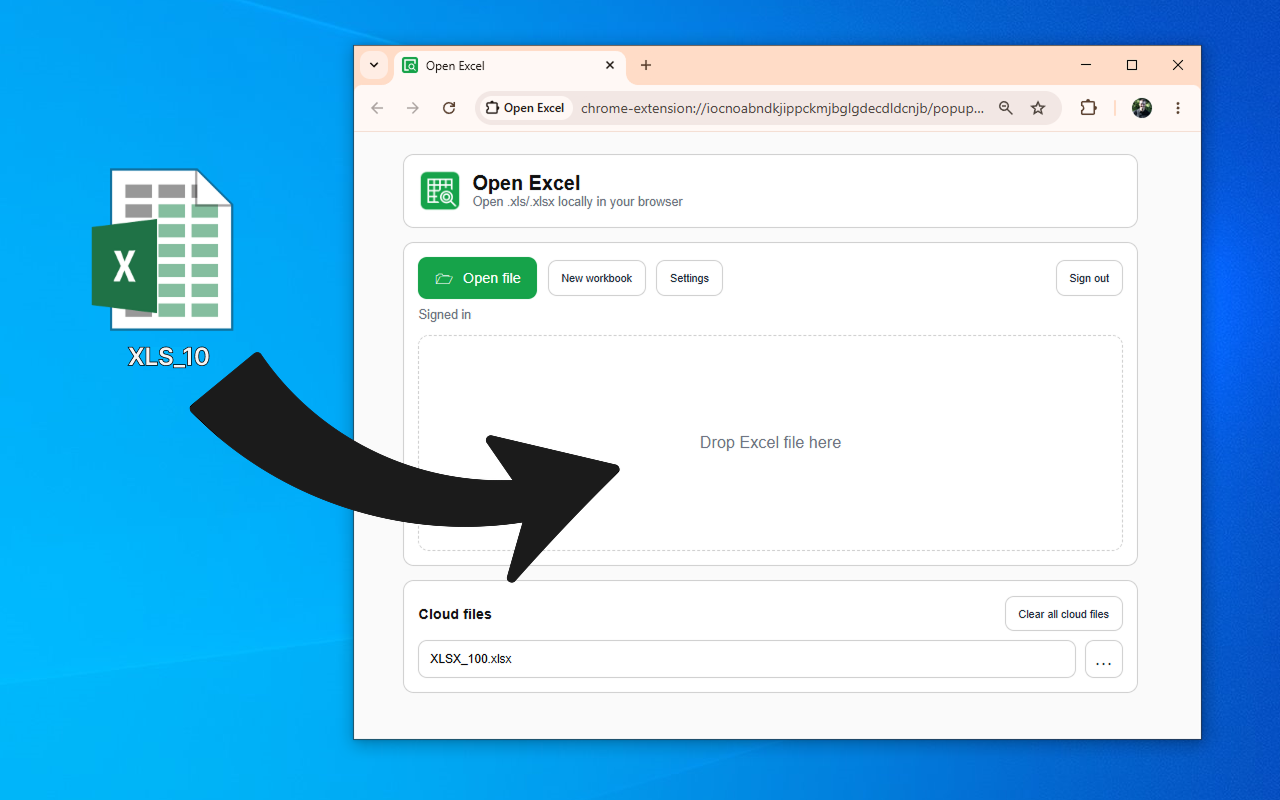
Keep the local-first experience, then add permanent editing, Cloud files, Version History, and optional AI actions.
See Plus and AI pricingAudit data, explain cells, clean text, rewrite content, or generate formulas.
See suggested cell changes first and apply them only when you choose.
Save workbooks to your account and reopen them from another browser session.
Download older copies or restore a previous workbook state.
Quick walkthrough
Watch a practical guide to opening, editing, and saving spreadsheets in Chrome.
Simple workflow
Pin the toolbar icon after installation.
Click the “Open Excel” icon.
Choose or drag a .xls, .xlsx, or .csv file.
Browse sheets, edit cells, print, download, or export.
Optionally add Plus Lifetime or buy more AI actions.
Made for everyday spreadsheet work
Open Excel is for accountants, analysts, managers, operations teams, freelancers, and students who need a fast Excel viewer or XLSX editor without installing desktop Excel.
Use it to open XLS/XLSX/CSV reports, review invoices, check downloaded spreadsheets, clean tables, make quick edits in Chrome, and add AI Excel tools or Cloud files when the workflow grows.
From ValmisLab
Ready to get started?
Install OpenExcel and start viewing XLS, XLSX, and CSV files for free.